Two-factor authentication
Turn on an authenticator app (TOTP) or a security key, keep your backup codes safe, and what to do if you lose your phone.
With two-factor authentication, a password is no longer enough: you also need a code from your phone or a physical key. A stolen password therefore won't get anyone in.
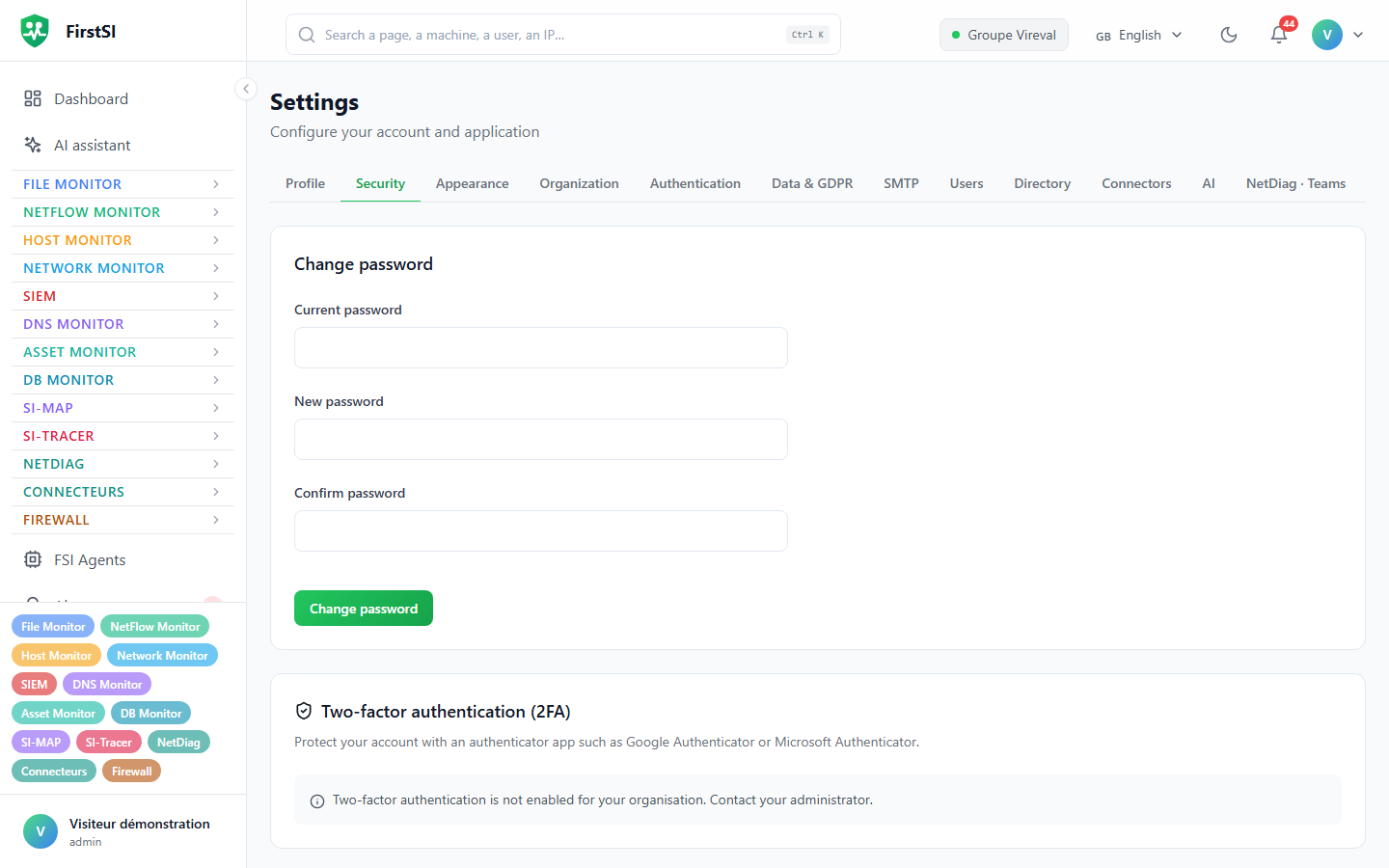
Turn on an authenticator app (TOTP)
- Open Settings → Security → Two-factor authentication (2FA).
- Scan the QR code with your app (Microsoft Authenticator, Google Authenticator, 1Password, Bitwarden…). If you can't scan it, use Manual entry.
- Type the 6-digit code shown by the app to confirm.
- Put the 10 backup codes somewhere safe. They are shown only once: download or copy them, then store them somewhere other than your phone (password manager, safe).
The code changes every 30 seconds. The previous and next codes are accepted too, which covers a small clock drift.
Add a security key
The Security keys (WebAuthn) block accepts a YubiKey or any FIDO2 key, Windows Hello and Touch ID. You can register up to 5, give them a name ("office key", "spare key") and delete them.
If a method doesn't appear, your organisation hasn't enabled it; the screen says so.
When your organisation requires it
If an administrator has made two-factor authentication mandatory and you haven't set it up yet, the console won't let you do anything else: you land on Settings → Security, with a banner titled Two-factor authentication required by your organisation that says which method is needed. The banner goes away as soon as it's done, and you get normal access back.
If you sign in through your company's SSO, this block does not apply: your identity provider asks for the second factor.
I lost my phone
- Sign in with a backup code (Use a backup code). Each code only works once.
- In Settings → Security, set the app up on the new phone, then click Regenerate backup codes. The old codes stop working.
No backup code left and no other key registered? Ask an administrator in your organisation: they can reset your two-factor authentication from Settings → Users (see Users and roles). You then set it up again.
Turn it off
Turning it off asks for your password. It is refused if your organisation makes the method mandatory.
Source: · FirstSI Docs · updated 2026-10-10